How to Predict When Each Customer Will Reorder and Run Out

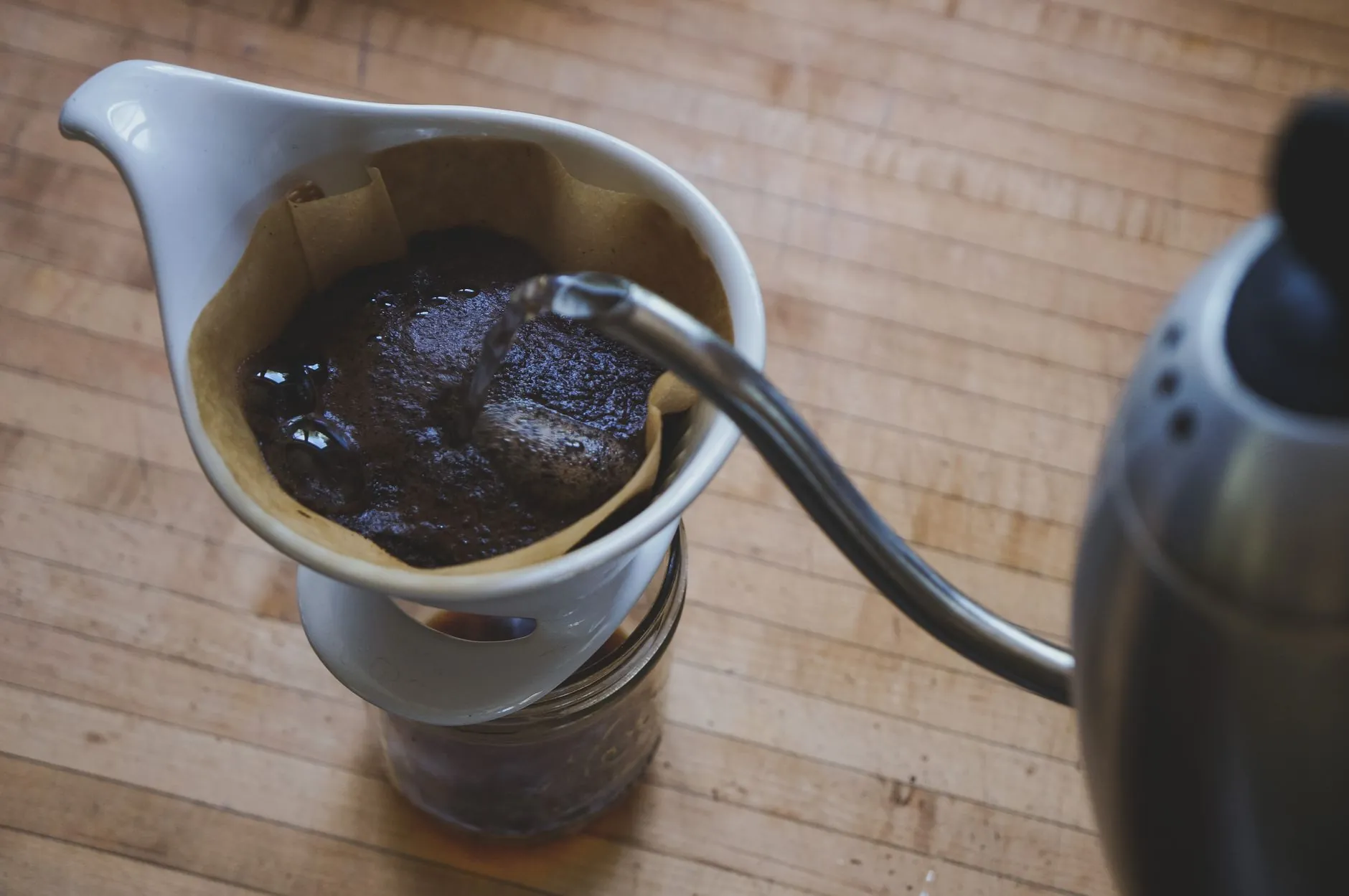
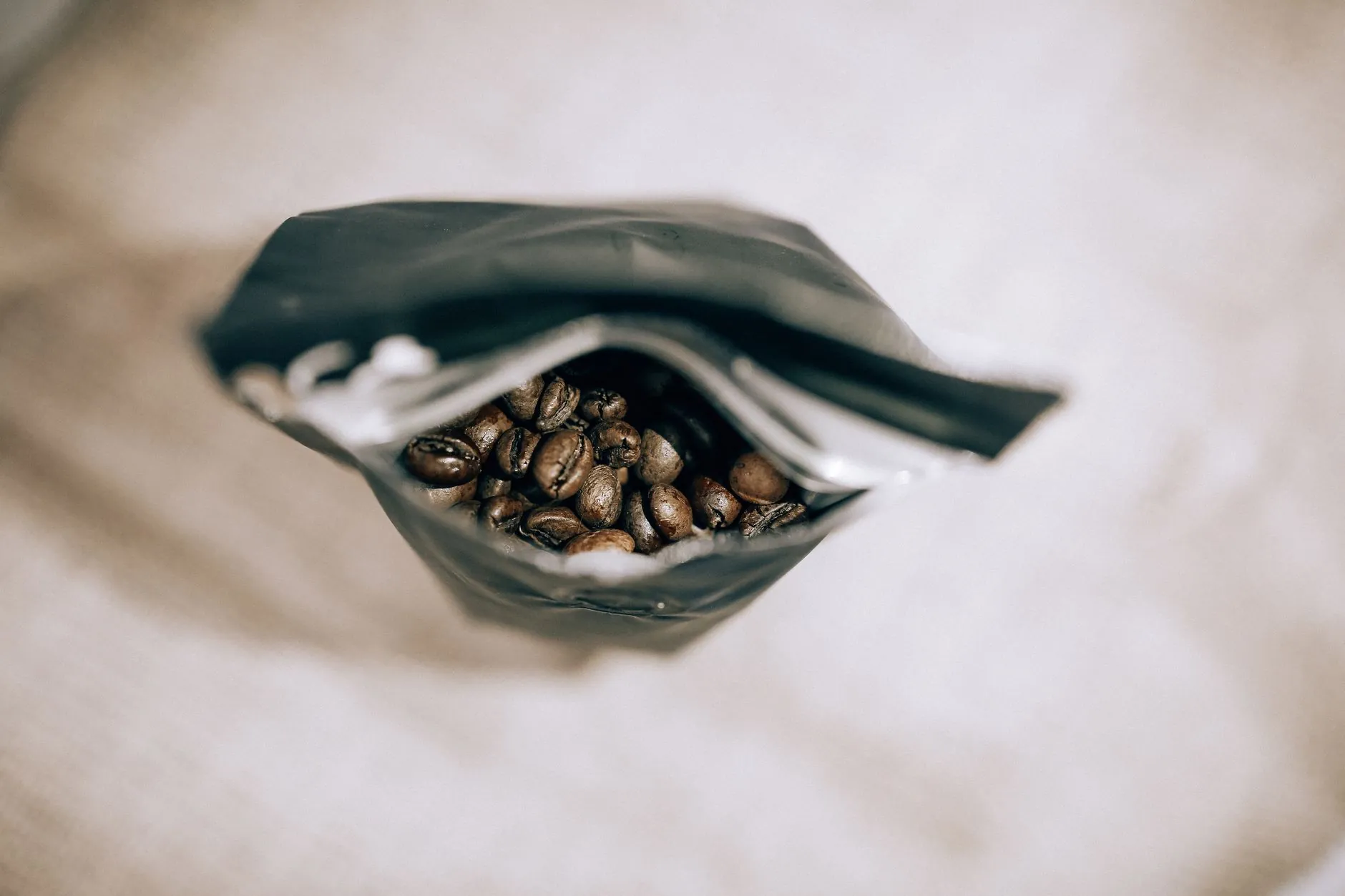
Someone buys a 250g bag of your coffee on the 3rd. If they drink it the way most people drink coffee, they are running low around the 24th. The reorder email that lands on day 30, the same day-30 email every customer gets, arrives to a customer who ran out last week and already refilled somewhere else. You did not lose them on price. You lost them on timing.
Predicting when a customer will reorder means working out the runout date for that specific person and that specific product, from how much they bought and how fast people actually get through it, and putting the reminder in front of them the day before they run dry. Not a fixed timer for everyone. A moving date per customer, per SKU.
This is the difference between a replenishment flow that feels like admin and one that feels like the brand paying attention. And it is one of the highest-return things a consumer brand can get right, because the numbers on repeat buyers are not close.
Why do fixed replenishment timers underperform?
A fixed timer underperforms because it assumes every customer uses the product at the same speed, and they do not. One person buys a single tub of protein and trains six days a week. Another buys the same tub and uses it twice a week. A 30-day reminder is early for one and weeks late for the other, and both get the same email.
The reason the payoff is so large is that replenishment reminders convert at 8-15%, against 1-3% for a general promotional send, because they arrive when the customer actually needs the thing Source. The message does not have to be clever. It has to be on time. A generic timer throws away most of that edge by being right for almost nobody.
There is a second cost. The gap between the first and second order is the hardest one to close, and it is where the relationship is decided. Get a customer to a second purchase and the odds of a third climb to 62% Source. Miss the runout window on order one and you never get to have that compounding.
How do you work out one customer's runout date?
You work it out from three things you already hold: what they bought, how much of it, and the consumption rate for that product. Quantity divided by daily use gives you days of supply. Add that to the purchase date and you have a runout date for that person. Set the reminder a day or two before it.
Do it by hand for one coffee customer and the maths is plain. Someone buys two 250g bags. A typical daily coffee habit runs to around three cups, and roughly 15g of beans a cup, so call it a bit over a bag a fortnight. Two bags is about four weeks of supply. Reminder lands at day 25, not day 30, and not the same day-30 stamp their neighbour who bought one bag gets.
The inputs change by category, but the method does not:
- Coffee and tea. Cups per day times grams per cup, against the pack weight. A heavy household and a weekend-only drinker on the same SKU have very different dates.
- Supplements and vitamins. Easiest of all. A 60-capsule bottle at two a day is 30 days. At one a day it is 60. The dosage on the label is your consumption rate.
- Skincare. Driven by how many times a day it is applied and how much. A serum used once daily lasts far longer than the same bottle used morning and night.
- Pet food. The clearest signal of all, because portion size scales with the animal. Bag weight divided by daily feed, and daily feed tracks the pet's size, which you can ask once and keep.
- Household refills and grooming. Detergent, blades, floss, filters. Usage is steady per household, so a first cycle gives you a rate you can trust for the next one.
The most reliable input is the customer's own history. The first purchase gives you an estimate. The gap between their first and second order gives you their real rate, and every order after that sharpens it. By the second cycle you are not guessing from a category average, you are predicting from that person's actual behaviour.
Fixed 30-day timer
- Every customer gets the same reminder date
- Heavy users have already run out and rebought elsewhere
- Light users get nagged weeks before they need it
- Quantity bought is ignored: one bag and five bags trigger the same day
- Reads as an automated sequence, because it is
Per-customer runout date
- Date is set from quantity, consumption rate and that person's history
- Reminder lands the day before they run dry
- Bigger baskets push the date out automatically
- Each reorder sharpens the next prediction
- Reads as a brand that remembers them
Which categories have a predictable consumption cycle?
Anything consumable and used on a routine has a predictable cycle, which is most of what consumer brands sell. Coffee, supplements, skincare, pet food, cleaning refills, vitamins, protein, contact lenses, razor blades. If it gets used up and rebought, it has a rhythm you can model.
Coffee is the cleanest example of why this works. The average American coffee drinker gets through three cups a day Source, so a bag does not empty randomly, it empties on a schedule you can predict from the weight they bought. That predictability is exactly why consumables post a 35-45% repeat purchase rate while durable goods sit far lower Source. The demand is already recurring. The only question is whether you show up at the right moment or let the customer solve the problem without you.
A fixed timer is a guess dressed up as a system. A runout date is a prediction you can actually defend.
When should the reminder actually land?
The day before they run out, not the day after. Landing early, while they still have a few days left, gives them time to reorder without a gap and makes the message feel like a favour rather than a sales push. Landing late means they have already felt the shortage and, often, already replaced you.
The tone matters as much as the timing. This is a plain, useful nudge, not an upsell. You are not bundling three other products or inventing a threshold to hit. You are telling someone their coffee is about to run out and making it one tap to fix.
Down to your last few cups, Sofia?
Your usual two bags of the house blend, on the way in two days if you reorder today. Same as last time, nothing to set up.
Reorder the house blendHow do you do this for every customer, not just one?
Doing it for one customer is arithmetic. Doing it for all of them, every day, on the exact quantity each person bought and their own reorder history, is the part a small team physically cannot keep up with by hand. That is the real barrier, and it is a capacity problem, not a skill problem.
This is where an agentic marketing platform for consumer brands earns its place. It does not replace the marketer who knows the brand and the product. It removes the hours cap, so the runout maths that you would happily do for one customer gets done for every customer, continuously, and the reminder goes out at each person's right time instead of one shared timer. Personalising the moment is measurable on its own: Klaviyo found top campaigns saw a 35% lift in clicks when send time was matched to the individual rather than fixed Source.
At PilotX, four agents run that loop for every customer, and the marketer stays in charge: you set the goal in plain English and approve what goes out.
Because it learns from each cycle, the prediction gets more accurate the longer someone is a customer. The category average carries the first order. Their own behaviour carries every one after that.
What predicting runout actually buys you
It buys you the second order, which is the one that decides everything. Getting a first-time buyer back for a second purchase runs at roughly 45% when you nudge them well, and once they buy twice the odds of a third jump to 62% Source. Repeat customers also spend around 67% more than first-timers, and existing customers already drive about 65% of revenue for most stores Source. A well-timed reorder is not a small lifecycle tweak. It is a lever on the biggest number you have.
The honest framing on the upside: PilotX models up to 50% more revenue in ecommerce, measured against a control group you set, not a guarantee. The point of the control group is that you can see the lift for yourself rather than take our word for it. It is also the only lift you pay for: PilotX costs 10% of the extra sales it adds, nothing if it adds nothing, capped at $2,500 a month.
If you want to know where your own replenishment timing is leaking revenue right now, that is exactly what our free Revenue Leak Audit looks at: where customers are running out and reordering somewhere else because the reminder came too late or never came at all. Run it, see the gap, then decide. You can also look at how we find and fix a gap before you commit to anything, and see the approach on Shopify.